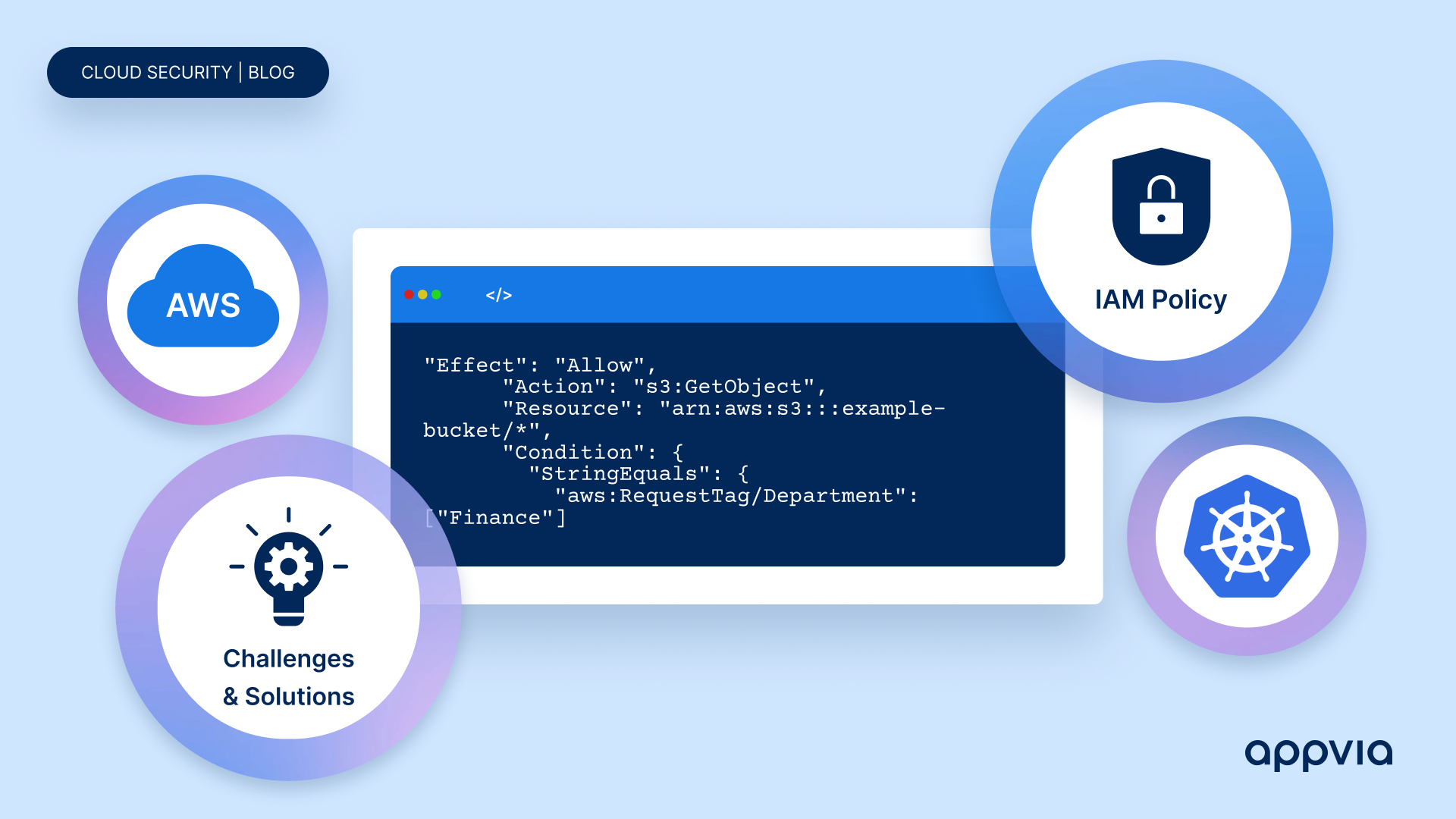
Workload Identities, managed via Kubernetes Service Accounts and linked to IAM Roles, enable secure, least-privilege access to AWS resources for Kubernetes workloads.
Workload Identities serve as the bridge between Kubernetes clusters and cloud services, allowing containerised applications deployed as Kubernetes pods to seamlessly authenticate and access cloud resources. These identities are managed through Kubernetes Service Accounts, which act as identities for Kubernetes workloads. By associating Kubernetes Service Accounts with IAM Roles, permissions can be granted to Kubernetes workloads to interact with AWS resources securely.
IAM Policies play an important role in this conceptual structure by defining permissions that specify who or what can access which AWS resources and what actions they can perform. These policies are attached to IAM Roles, which are AWS identities with specific permission policies attached. Kubernetes workloads can assume these IAM Roles, enabling them to access AWS resources securely while adhering to the principle of least privilege.
To illustrate this, the next section outlines a real-world scenario showcasing best practices for Workload Identities, Cluster Service Accounts, IAM Policies, and IAM Roles implementation in a Secure Multi-Tenant Environment.
Securing a multi-tenant environment on AWS involves implementing a robust IAM policy management strategy using RBAC/ABAC, Resource Tagging, the Least Privilege Principle, and Centralised Policy Management to ensure granular access, security, and compliance.
An organisation hosting multiple tenants on AWS cloud infrastructure faces the challenge of granting granular access to resources while maintaining security and isolation.
The challenge involves providing tenants with specific access to AWS resources, ensuring compliance, data privacy, and minimising unauthorised access risks.
Implementing a robust IAM policy management strategy is key. This includes Role-Based Access Control (RBAC)/Attribute-Based Access Control (ABAC), Resource Tagging, adherence to the Least Privilege Principle, and Centralised Policy Management.
# IAM Policy with Resource Tagging Conditions
{
  "Version": "2012-10-17",
  "Statement": [
    {
      "Effect": "Allow",
      "Action": "s3:*",
      "Resource": "*",
      "Condition": {
        "StringEquals": {
          "aws:RequestTag/Department": ["Finance"]
        }
      }
    }
  ]
}
# IAM Policy Following the Least Privilege Principle
{
  "Version": "2012-10-17",
  "Statement": [
    {
      "Effect": "Allow",
      "Action": "s3:GetObject",
      "Resource": "arn:aws:s3:::example-bucket/*",
      "Condition": {
        "StringEquals": {
          "aws:RequestTag/Department": ["Finance"]
        }
      }
    }
  ]
}
You can apply these outlined best practices to real-world scenarios within your own organisation, as demonstrated in the following section.
Dev Team A needs S3 bucket management access and Dev Team B requires read-only access to EC2 instances. You need to:
Engage with Dev Team A and Dev Team B to understand their specific IAM requirements. Document the necessary permissions for managing S3 buckets and accessing EC2 instances.
Use the AWS Management Console, AWS CLI, or AWS SDKs to manually create IAM policies tailored to the requirements of each dev team.
# Dev Team A
{
  "Version": "2012-10-17",
  "Statement": [
    {
      "Effect": "Allow",
      "Action": [
        "s3:PutObject",
        "s3:GetObject",
        "s3:DeleteObject"
      ],
      "Resource": "arn:aws:s3:::example-bucket/*"
    }
  ]
}

---

# Dev Team B
{
  "Version": "2012-10-17",
  "Statement": [
    {
      "Effect": "Allow",
      "Action": "ec2:DescribeInstances",
      "Resource": "*"
    }
  ]
}
Define IAM roles for Dev Team A and Dev Team B using the AWS Management Console or AWS CLI.
aws iam create-role --role-name DevTeamARole --assume-role-policy-document file://trust-policy.json
# trust-policy.json
{
  "Version": "2012-10-17",
  "Statement": [
    {
      "Effect": "Allow",
      "Principal": {
        "Federated": "arn:aws:iam::123456789012:oidc-provider/example-oidc-provider"
      },
      "Action": "sts:AssumeRoleWithWebIdentity",
      "Condition": {
        "StringEquals": {
          "example-oidc-provider:sub": "system:serviceaccount:my-namespace:my-service-account"
        }
      }
    }
  ]
}
# Replace the following placeholders with actual values relevant to your AWS environment:
# 123456789012 with your AWS account ID.
# example-oidc-provider with the name of your IAM OIDC provider.
# my-namespace with the Kubernetes namespace where your service account is located.
# my-service-account with the name of your Kubernetes service account.
In the Kubernetes environment, establish Cluster Service Accounts for Dev Team A and Dev Team B.
aws iam put-role-policy --role-name DevTeamARole --policy-name DevTeamAPolicy --policy-document file://dev-team-a-policy.json
In the Kubernetes environment, establish Kubernetes Service Accounts for Dev Team A and Dev Team B. Associate the IAM roles created in Step 3 with the corresponding Cluster Service Accounts to enable communication between Kubernetes workloads and AWS resources.
# Service Account for Dev Team A
apiVersion: v1
kind: ServiceAccount
metadata:
  name: dev-team-a-sa

---
# Service Account for Dev Team B
apiVersion: v1
kind: ServiceAccount
metadata:
  name: dev-team-b-sa

---
# Associate IAM roles with Service Accounts
# Dev Team A
apiVersion: v1
kind: ServiceAccount
metadata:
  name: dev-team-a-sa
  annotations:
    eks.amazonaws.com/role-arn: arn:aws:iam::123456789012:role/DevTeamARole

---
# Dev Team B
apiVersion: v1
kind: ServiceAccount
metadata:
  name: dev-team-b-sa
  annotations:
    eks.amazonaws.com/role-arn: arn:aws:iam::123456789012:role/DevTeamBRole

#Replace the following placeholders with actual values relevant to your AWS environment:
#123456789012 with your AWS account ID.
The subsequent section outlines the challenges typically encountered in Kubernetes clusters during IAM management implementation.
Managing IAM Policies within Kubernetes clusters can pose practical challenges due to complexities and potential errors.
Organisations implementing IAM policies for Kubernetes clusters face several practical challenges*. These challenges include:
Addressing these challenges proactively enables organisations to more effectively manage IAM policies across multiple Kubernetes clusters and tenants, ensuring consistent security and operational efficiency.
*The challenges presented here are based on our own experiences including those derived from general IAM management challenges and best practices from the following sources:
Appvia Wayfinder facilitates IAM policy implementation on a per-package version basis, granting access to the workload identity as needed for the specified environment.
While Appvia Wayfinder does not directly offer IAM Policy Management, it does provide solutions to address some of these challenges when deploying Wayfinder packages to clusters.
For each Wayfinder package that you want to deploy:
Wayfinder facilitates IAM policy implementation on a per-package version basis, granting access to the workload identity as needed for the specified environment. It enhances transparency through centralised management and provides peace of mind with comprehensive pre-validation functionality.
Explore Wayfinder's versioned packages in our docs section.
Managing IAM policies within Kubernetes clusters is a multifaceted endeavour, demanding meticulous attention to detail and proactive strategies. While this guide offers valuable insights and best practices, it's essential to recognise the ongoing evolution of IAM management.
Appvia Wayfinder provides a comprehensive solution, facilitating IAM policy integration on a per-package version basis, enhancing transparency, and bolstering confidence with comprehensive pre-validation functionality.
Through diligent implementation of best practices and leveraging tools like Wayfinder, organisations can overcome IAM challenges effectively while ensuring robust security and compliance.
Managing AWS IAM policies for Kubernetes requires careful attention to IAM components and how they relate to Kubernetes resources, emphasising the need for precision.
The article outlines best practices to prevent over-permissioning, ensure compliance, and bolster security, addressing practical challenges like version control and policy validity.
Appvia Wayfinder offers tailored policy definition templating as part of versioned package deployments, indirectly ensuring consistency and reducing operational burden in IAM management.